


Ever since OpenClaw became a thing, with every tech personality/influencer hyping it, I’ve been thinking about how to replicate what it does.
Why? Simple. I can handle the setup process it requires, and I don’t even mind setting up the security measures — it’s a learning process, and I enjoy learning new things. But the one thing I don’t like is…
Using the Claude API with OpenClaw gets expensive
See, I have a clear preference when it comes to LLMs: Claude. I’ve preferred using Claude for some time now — long before recent events. My friends and colleagues are probably tired of hearing me talk about it for the past year or so.
So when I tried out OpenClaw on a VPS for the first time, I naturally selected Claude as my OpenClaw’s brain.
The problem is that I couldn’t use my Claude Max subscription — only the Claude API — and I wasn’t going to risk getting banned by Anthropic. And that got too expensive for my blood, quick. Setting things up cost me around $30, even though the first rule I put in place was smart model selection (where certain models are used for specific kinds of tasks to minimize costs). None of what I did required intense coding.
Doing the math led me to one clear conclusion: this setup is pricy.
Also, I don’t like uncertainty when it comes to money.
But wait, there’s an alternative
Last week, Claude Code introduced a Remote Control feature — enabling users to run Claude Code on a phone, tablet, or browser from anywhere as long as the terminal remains active.
That got me thinking: How can I replicate OpenClaw using this feature?
I recently learned how to set up a VPS so that I could use OpenClaw, and most of its features are just based on .md files and cron jobs.
So I spent a few days trying to build my own 24/7 assistant that uses my Claude Max subscription.
Then I documented the process using Claude and the new Gamma connector — Claude really is coming through with the best features lately.
Here it is for you to download and build your own! Enjoy!
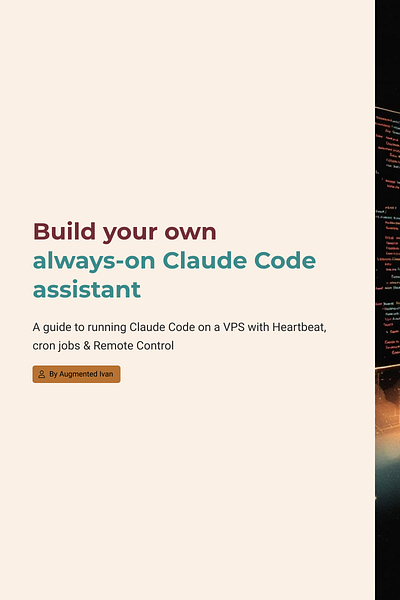
It’s a bit more technical than I would’ve wanted it to be — primarily because of the steps needed to keep everything alive — but I think it’s a decent alternative to the Claw.
Please let me know if you have any questions or if you need assistance with anything.
AI use in this post:
Edit: I forgot to mention in a previous version of the slide deck that you should select Ubuntu 24.04 LTS as your VPS’s operating system. This has been added in the latest version of the deck.